Websites
that move.

We design and build websites, and the motion and video graphics that make them feel alive. Everything on this page runs live in your browser, and every piece is something we can build into your site.

See it move ↓

  1. Turn it
  2. Live on the GPU
  3. Built in Blender
  4. Film
  5. Motion you drive
  6. How we use motion
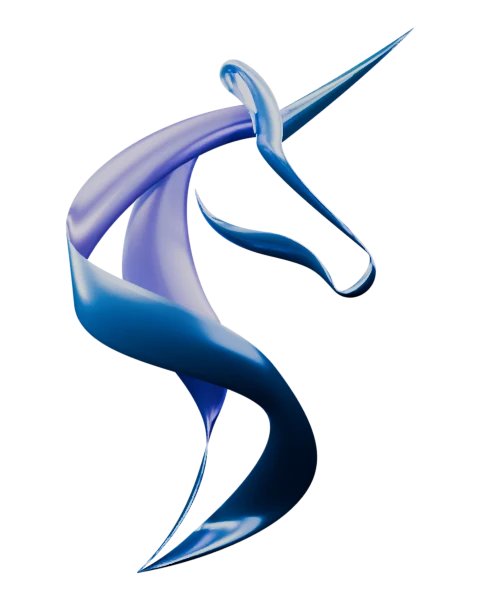
Capra’s ribbon unicorn as a sculpture of satin-blue metal ribbons, rendered in Blender
Turn it by scrolling or dragging60 frames rendered in Blender · no GPU needed

Four pieces your graphics card draws live.

Move over them, press, change them. Where WebGPU isn’t available, each one shows a still.

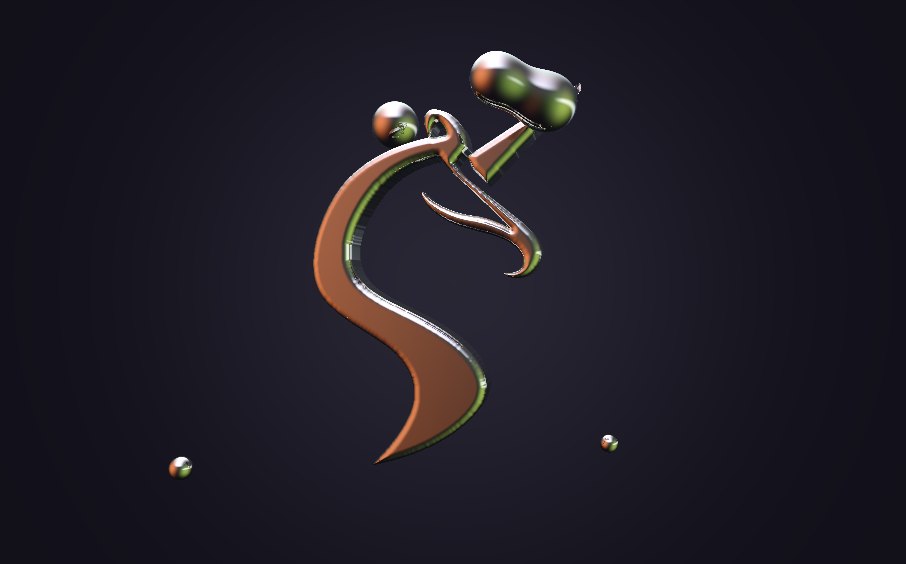
Capra’s unicorn as a chrome badge, with mercury drops flowing around and into it
Liquid metal

The mark, pulled
out of mercury.

The unicorn becomes a signed-distance shape, and light is traced across it every frame. Drops of mercury orbit and fuse with it wherever they touch. Bring your pointer in to add one of your own.

Where it fits: a hero, a launch, a product reveal
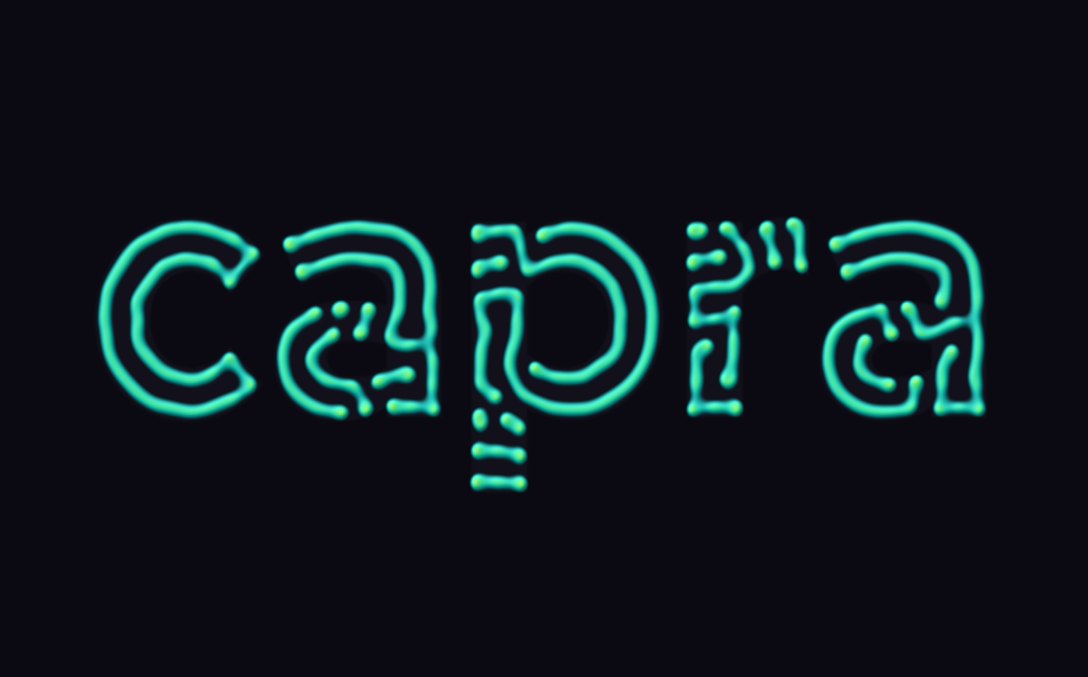
The word capra grown as a lagoon and lime maze pattern
Letters that grow

Type that
grows itself.

A reaction-diffusion simulation runs inside the letters. Change two numbers and the same word grows as a maze, loops or spots. Touch the letters to seed new growth.

Where it fits: logo stings, loaders, title cards

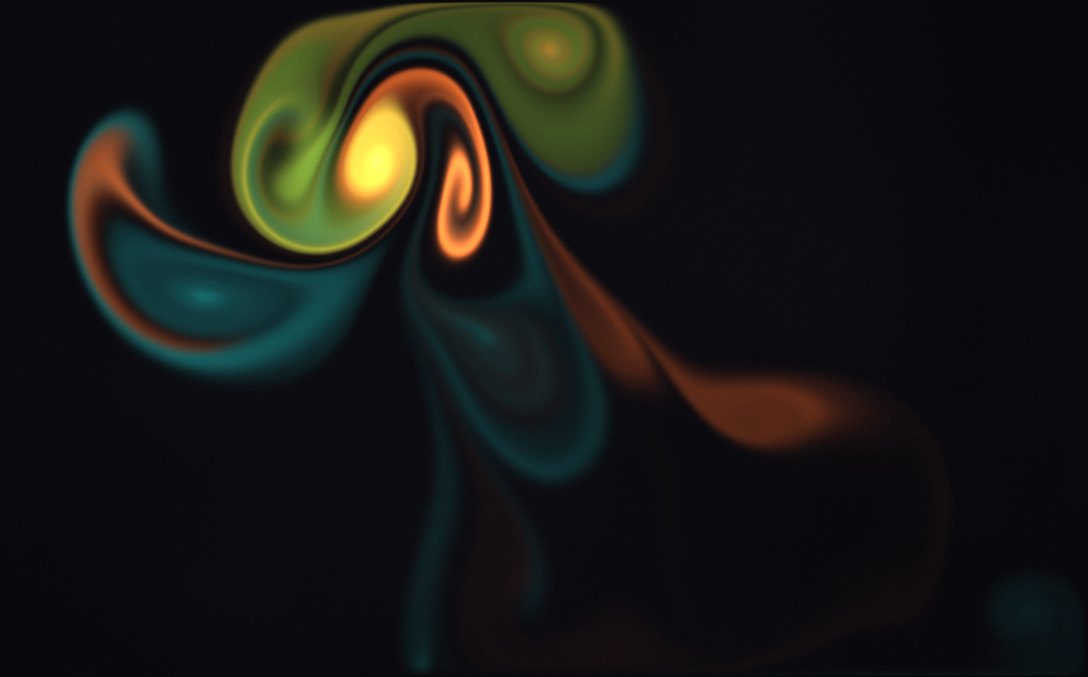
Lagoon, orange and lime ink swirling through dark water
Ink in water

Stir it
with your hand.

A fluid solver carries three inks from the studio palette through dark water. Two brushes drift on their own; your pointer is the third. Press to change colour.

Where it fits: backgrounds that respond, event pages, an interactive hero

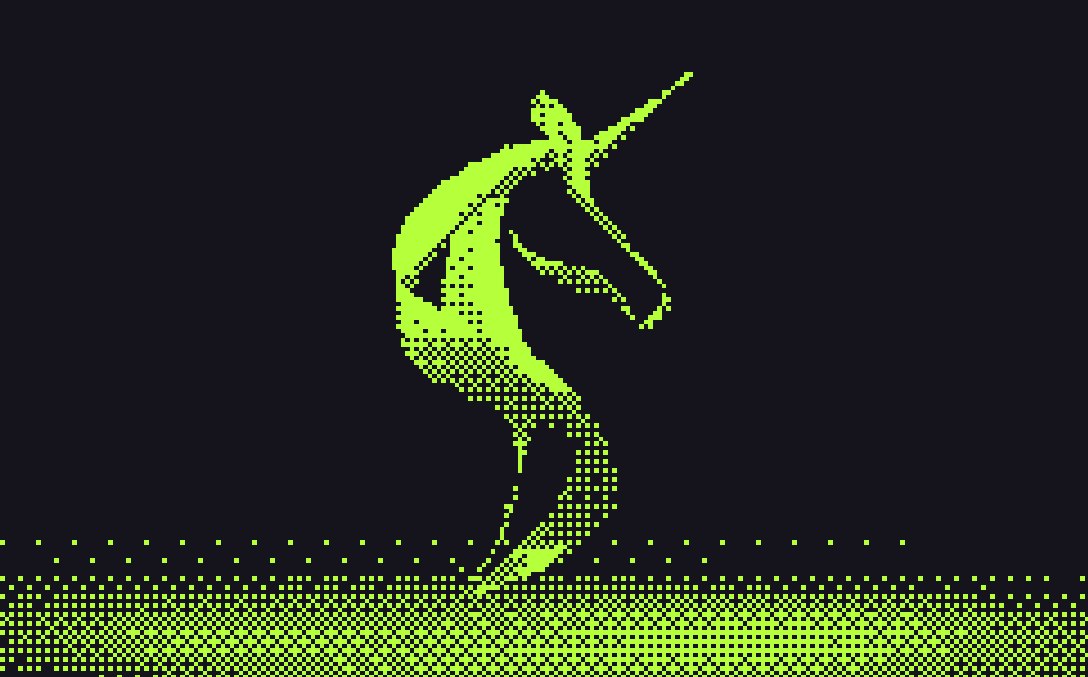
Capra’s unicorn printed as a one-bit dither in lime on ink
One film, three printers

One asset,
restyled live.

The unicorn film runs through three print processes as it plays: a one-bit dither, a two-ink halftone and ASCII type. One source becomes a whole family of brand moments.

Where it fits: campaign variations, posters, a terminal mode

A tile breaks into 150 shards, then rebuilds.

The tile carries the unicorn. Blender’s physics solver works out where every piece falls. We render it and play it backwards, so the mark puts itself together.

Where it fits
  • A logo reveal that earns a second look
  • A launch or announcement page
  • A 404 page that puts itself back together

Two short films.

Both made in 3D for the studio’s own identities, and delivered as ordinary video that plays anywhere.

TrailGoat / Brand film00:20 · 4K · Sound on
Capra / Ribbon unicorn00:08 · Silent

It answers your hand.

Small responses to a pointer, a hover or a scroll. Each one is an extra: everything still works with a keyboard, on a phone, or with motion switched off.

DesignA presence of your own
BuildEverything in its place
ConnectIntelligence with purpose

Spotlight edges

Cards light their border where the pointer is. For service lists and pricing tables.

Best with a mouse
capraWorkMotion
Make an
impression.
Designed to feel different.Start a project

Flashlight reveal

A lens shows the finished design over its wireframe. For before-and-after and process stories.

Best with a mouse

Fill from the edge you enter

The colour follows the pointer in and out. For navigation grids and category menus.

Best with a mouse

Good motion is never decoration. It shows people where to look, what changed, and what happens next.

Words that light up

A sentence lights as you read it. For one statement per page, never for body copy.

Scroll inside the frame
  1. Define
  2. Create
  3. Refine

A route that draws itself

A line traces a process as you scroll, with a marker riding it. For timelines and how-we-work pages.

Scroll inside the frame
  1. Websites
  2. Applications
  3. Brand motion
  4. Identity
  5. AI agents

Rows on springs

A list re-sorts with springs, and a second sort mid-flight just changes course. For filters and leaderboards.

Five rules we build to.

The difference between a site that feels made and one that feels generated is restraint.

  1. It has a job.

    Every movement points somewhere: what changed, where to look, what happens next.

  2. Your hand stays in charge.

    We keep native scrolling and the native cursor. Motion answers you and never takes over.

  3. Nothing depends on hover.

    Phones and keyboards get the same content and the same controls, with or without the effect.

  4. Still is always an option.

    Reduced-motion settings and the switch in the footer show the finished frame. Nothing is hidden.

  5. One signature per page.

    One moment people remember. Everything around it stays quiet.

say hi

Let’s make
an impression.

A logo that assembles, a hero people play with. Tell us what you want people to feel.

Let’s explore your idea.

Studio guide · prepared answers

Explore our services or put together a project brief. Choose a topic for prepared guidance.

Prepared guidance stays in this page. Privacy & data use